 Echo Support / SRE • • 1,503 words • 8 min read
RAID Is Not a Backup: Why Dual-Drive Storage Still Fails
Mirrored drives (RAID) keep servers online but will not save your files from accidental deletion, ransomware, or rebuild failures. Learn real backup rules.
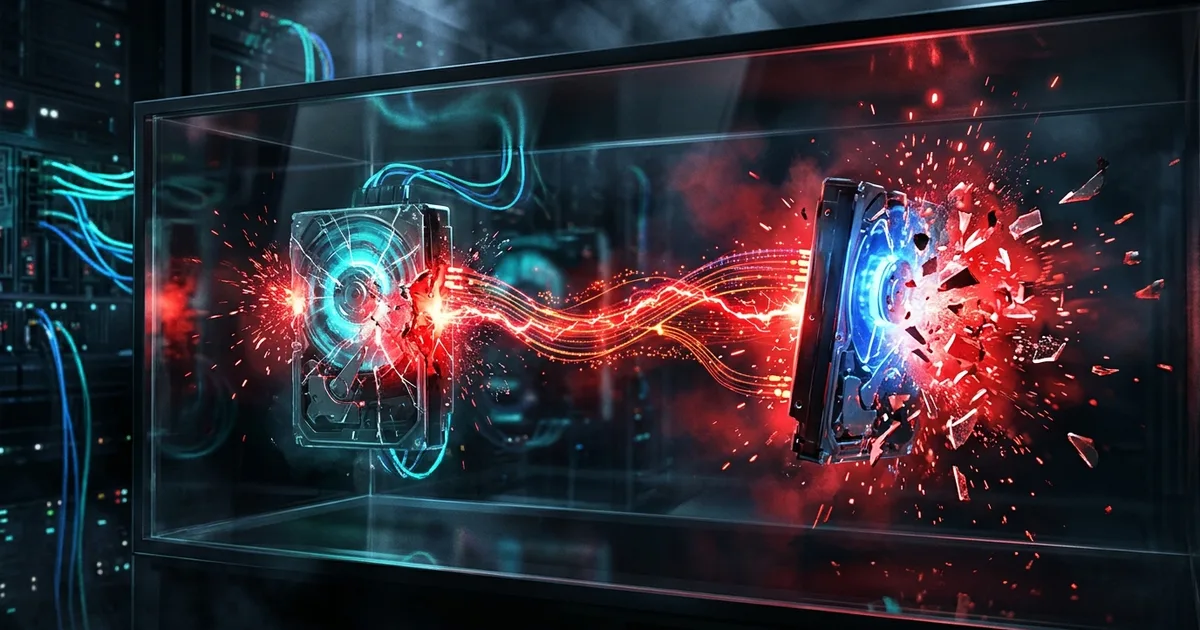
TL;DR (Direct Answer): RAID links multiple hard drives together so your computer keeps running if one drive dies. However, RAID is not a backup. If you accidentally delete a file, catch ransomware, or suffer a power surge, RAID instantly copies that destruction to all drives at once. True data safety requires separate, disconnected copies of your files.
Continuity vs. Backup: The Dual-Tire Analogy
Think of a heavy truck with dual tires on the back axle. If one tire blows out on the highway, the second tire holds the weight so the truck does not crash. That is continuity. However, if the driver steers the truck off a cliff, both tires go down together.
RAID (Redundant Array of Independent Disks) is a storage technology that combines multiple physical hard drives into one single unit. People often buy a NAS (Network Attached Storage)—a private, home-office file server connected to your Wi-Fi—and assume its dual drives make their data invincible.
This is a dangerous trap. RAID only gives you uptime, which means your system stays online when hardware breaks. A backup is a separate historical copy of your data stored somewhere else. For you, this means RAID buys you time to replace a dead drive without interrupting your work, but it cannot bring back a ruined file. You can explore how system failures cascade in our AI Playground.
How RAID Works Step-by-Step: Mirroring and Striping
Imagine two stenographers in a courtroom typing the exact same spoken words onto two separate machines at the exact same millisecond. If one writer gets a cramp, the other keeps the transcript going without missing a beat.
RAID 1 (Mirroring) and RAID 5 (Striping)
RAID 1 works like those twin stenographers. It writes identical data to two drives simultaneously.
RAID 5 uses a math trick called parity, which is extra calculated data used to rebuild lost information if a drive fails. It chops files into pieces and spreads them across three or more drives, like dealing cards to multiple players.
Here is the step-by-step sequence of what happens inside a mirrored RAID array when disaster strikes:
- You accidentally delete
tax_return.pdf, or ransomware encrypts the file. - The storage controller receives the delete or overwrite command from your operating system.
- Within milliseconds, the controller executes that exact destructive command on Drive A and Drive B simultaneously.
- Both drives now hold the exact same empty space or locked file.
[User Deletes File]
        |
   [RAID Controller]
     /           \
[Drive 1: GONE]  [Drive 2: GONE]  (Mirrored in 2 milliseconds)
This diagram shows how a RAID controller blindly copies destructive commands to every drive at the exact same time. For you, this means human error and viruses bypass RAID protection completely.
Comparing Your Options: RAID vs. Snapshots vs. 3-2-1 Backup
Choosing one storage tool is like locking your front door while leaving the windows wide open. You need different tools for different threats.
A Snapshot is a read-only photo of your hard drive's state at a specific moment in time. It lets you rewind your system by an hour or a day if a file gets corrupted, though it still lives on the same physical machine.
The 3-2-1 Backup Rule is an industry standard that means keeping three total copies of your data, on two different storage types, with one copy stored offsite.
| Protection Method | Survives 1 Dead Drive? | Survives Accidental Delete? | Survives Fire or Theft? | Main Purpose |
|---|---|---|---|---|
| RAID (1, 5, 6) | Yes | No | No | System uptime |
| Local Snapshots | No | Yes | No | Fast file rewind |
| 3-2-1 Backup | Yes | Yes | Yes | Total survival |
For you, this table proves no single box does everything. You need RAID to avoid annoying downtime, snapshots for quick undo buttons, and offsite backups to survive worst-case disasters.
The Rebuild Trap: Why Replacing a Bad Drive Kills the Others
Picture two workers carrying a heavy sofa up ten flights of stairs. Halfway up, one worker faints. The remaining worker must suddenly bear the entire weight alone, making it very likely their back will snap too.
Most people believe that when a RAID drive dies, they can pull it out, slide a new one in, and relax. Hard drives bought together usually come from the same factory batch. They spin for the exact same number of hours at the exact same temperature.
When Drive 1 dies of old age, Drive 2 is just as old and tired. To rebuild the array, the system forces the surviving drives to read every single sector of data nonstop for hours or days. This massive mechanical stress often causes a second drive to fail mid-rebuild, especially in RAID 5. When that happens, the entire array collapses and your data vanishes forever. You can test failure probabilities like this in our Interactive Engineering Simulations. For you, a dead RAID drive is an emergency that requires verifying your external backups before you ever touch the hardware.
Real-World Disasters: When Synchronized Drives Fail Giants
Even elite engineers fall for the synchronization trap. Think of a master chef throwing salt into a giant soup pot instead of sugar; ladling that ruined soup into five smaller bowls does not make it edible.
In 2017, code-hosting giant GitLab suffered a massive database outage. A tired engineer accidentally ran a folder deletion command on the primary production database server instead of a test server. GitLab used real-time database replication—the software equivalent of RAID mirroring. Within seconds, the deletion copied over to the live secondary server. When they tried to restore from real backups, they discovered their automated backup scripts had been silently failing for weeks. They permanently lost six hours of user data from thousands of developers.
Pixar faced a similar crisis during the making of Toy Story 2. Someone ran a cleanup command that wiped 90% of the film's animation files across their high-speed RAID servers. RAID dutifully deleted the movie across every redundant disk in seconds. They only survived because a technical director working from home had a separate copy of the film on a drive in her living room. For you, the lesson is clear: if tech giants cannot rely on synced drives, neither can you.
Frequently Asked Questions (FAQ)
Is a two-bay NAS device enough to protect my family photos?
No, a two-bay NAS set to mirror drives is not enough on its own. While it protects you if one mechanical hard drive clicks and dies, the NAS sits in one physical spot. A lightning strike, house fire, burst pipe, or burglar stealing the glowing box will wipe out both drives at once. You must plug an external USB drive into the NAS or connect it to a cloud backup service to be safe.
Does cloud sync like Dropbox, Google Drive, or iCloud count as a backup?
Cloud sync is mostly file mirroring, not a true backup. If you delete a photo on your phone, iCloud deletes it from the cloud and your tablet seconds later. If ransomware encrypts your laptop's Dropbox folder, those locked files automatically upload and overwrite the good copies online. While many cloud services offer a 30-day trash bin or version history, you should never rely on live sync folders as your only safety net.
What is a cold backup and why do I need one?
A cold backup—also called an offline or air-gapped backup—is a storage drive that is physically unplugged from power and internet when not in use. Think of it like cash locked in a wall safe rather than money linked to a debit card. Because the drive is completely disconnected from your computer, hackers, ransomware, and power surges cannot reach it. Plugging in an external drive once a month and unplugging it afterward gives you ultimate protection.
Why did my RAID 5 array fail completely during a drive replacement?
RAID 5 fails during rebuilds because of sheer math and drive exhaustion. Modern high-capacity drives hold trillions of bits of data. While reading every single bit on the surviving drives to reconstruct the missing one, the drive head often hits a tiny unreadable spot called an Unrecoverable Read Error (URE). When the RAID controller hits this unreadable spot while already missing a drive, the math breaks, the rebuild aborts, and the entire storage volume crashes.
How can I automate backups if I already have a RAID setup?
You can automate backups using the built-in software that comes with your operating system or NAS box. For example, Synology NAS devices include Hyper Backup, while Mac has Time Machine. Set your system to automatically copy your RAID volume to an encrypted cloud bucket (like Backblaze B2) every night at 2:00 AM. Always make sure this backup tool keeps historical versions for at least 30 days, and test restoring one file every few months.