 Nova System Engineer • • 1,484 words • 8 min read
How eSIM Works: Inside the Silicon That Replaced Plastic SIMs
Discover how eSIM works under the hood. Learn how eUICC silicon, cryptographic profile provisioning, and GSMA standards replace physical SIM cards.
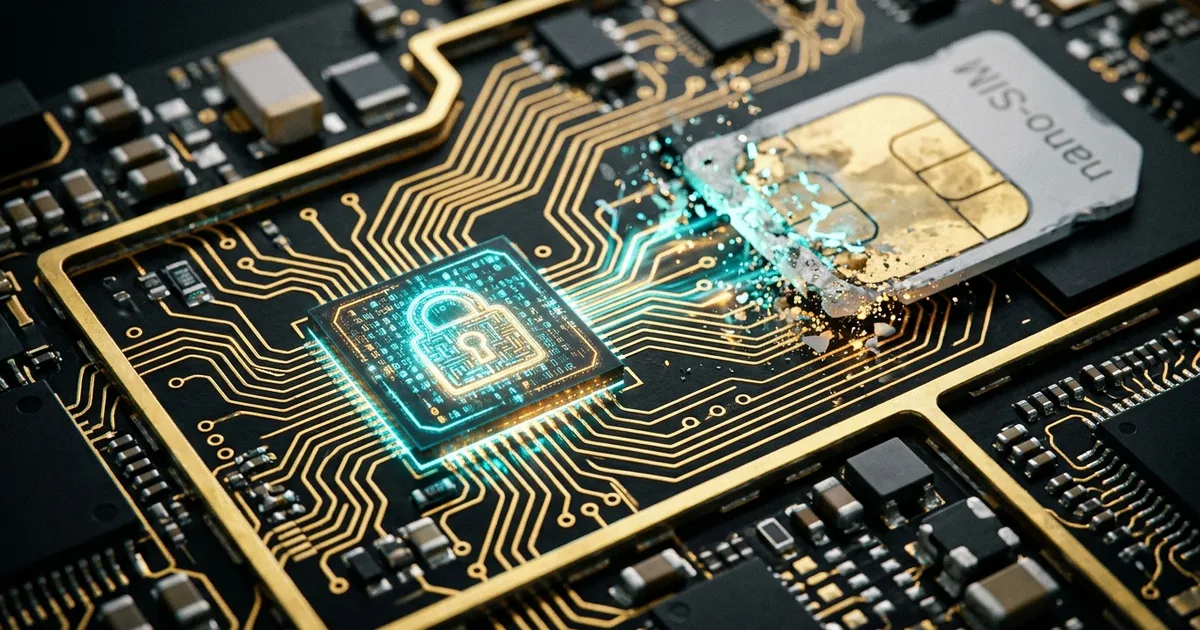
TL;DR (Direct Answer): An eSIM (embedded SIM) replaces traditional plastic cards with a tiny, rewritable security chip soldered directly onto your device's motherboard. Instead of swapping physical cards to change carriers, your phone downloads an encrypted digital profile over the internet. This design frees up physical space inside your phone, improves water resistance, and makes switching networks or traveling abroad almost effortless.
1. Farewell Plastic: Why SIM Cards Moved Inside the Silicon
For over thirty years, the Subscriber Identity Module (SIM) card was a travel companion we loved to hate. It shrank from the size of a credit card in 1991 down to the tiny nano-SIM in 2012. Yet, it remained a physical plastic chip that required an ejector tool, a paper clip, or a prayer that you wouldn't drop it under an airplane seat.
Phone designers hated the physical SIM card for a different reason: wasted space. A physical SIM tray demands a mechanical tray, a spring-loaded slot, and an external opening in the phone chassis. That hole is a natural entry point for water, dust, and moisture.
By soldering a microchip directly onto the phone’s main circuit board, manufacturers save precious internal room. That freed-up space allows for larger batteries, advanced haptic motors, and tighter water sealing. More importantly, it turns your mobile subscription from a physical object into a secure software configuration.
2. Under the Hood: The Three Pillars of eSIM Architecture
An eSIM is not just software running on your operating system; it is a hardware-backed security ecosystem. To understand how it works, imagine a high-security bank vault that communicates with a remote office. The system relies on three core components:
- eUICC (Embedded Universal Integrated Circuit Card): This is the physical chip soldered to your phone’s motherboard. It is a tamper-resistant microcontroller designed to withstand physical and electronic attacks. It holds your carrier profiles inside isolated digital compartments.
- LPA (Local Profile Assistant): This is the software bridge built into your phone's operating system (like iOS or Android). The LPA acts as the messenger. It reads QR codes, presents menus on your screen, and routes encrypted data to the eUICC chip.
- SM-DP+ (Subscription Manager Data Preparation): This is the remote carrier server living in the cloud. It generates, packages, and encrypts your network subscription before sending it to your phone.
Curious about how modern hardware handles secure cryptographic handshakes? Explore our Interactive Engineering Simulations to see digital logic and communication pipes in action.
3. What Happens When You Scan That QR Code?
When a carrier gives you an eSIM QR code, you are not downloading the SIM card itself. The QR code is simply a digital signpost. It contains two things: the internet address of the carrier’s SM-DP+ server and a unique activation code.
Here is what happens behind the scenes during that two-second scan:
+---------------+      1. Read Address & Token       +---------------+
| Phone OS/LPA  | ---------------------------------> | Carrier Cloud |
+---------------+                                    |   (SM-DP+)    |
        |                                            +---------------+
        | 2. Open Secure Channel                             |
        v                                                    | 3. Deliver
+---------------+        4. Verify & Decrypt Profile         |    Encrypted
|  eUICC Chip   | <==========================================+    Profile
| (Secure Vault)|
+---------------+
This diagram shows how your operating system acts as a courier, passing encrypted network credentials directly into the secure eUICC chip without exposing private keys.
First, your phone's LPA reaches out to the carrier server over standard secure internet protocols. Next, your internal eUICC chip and the carrier server verify each other using certificates issued by the GSMA (the global organization governing mobile standards).
Once both sides establish trust, the carrier encrypts your subscriber keys and sends them across the web. Only your specific eUICC chip holds the private key required to decrypt that package. The credentials land directly inside the secure hardware vault, completely isolated from normal mobile apps.
4. Physical SIM vs. eSIM: A Real-World Comparison
The transition from physical cards to silicon chips introduces major upgrades in security, travel readiness, and hardware durability.
| Feature | Physical Plastic SIM | Embedded SIM (eSIM) |
|---|---|---|
| Physical Security | Easy to pop out, steal, or insert into another phone | Soldered to the logic board; impossible to remove physically |
| Carrier Switching | Requires ordering a card or visiting a retail store | Instant profile download over Wi-Fi |
| Durability | Plastic wears out; metal contacts oxidize | Hermetically sealed silicon; immune to wear and tear |
| Multi-Profile Storage | One phone number per physical card slot | Stores multiple profiles in memory (swapped via software) |
| Theft Recovery | Thieves discard the SIM immediately to cut tracking | Phone stays online until power dies, aiding GPS recovery |
5. Busted: Two Big eSIM Myths
Because eSIM relies on wireless provisioning, several misconceptions have spread among smartphone users.
Myth 1: "The QR code is an image of your SIM card"
A QR code does not contain your phone number, contacts, or encryption keys. It is merely a link that tells your phone where to fetch your data. If a stranger takes a photo of your used activation card, they cannot clone your line. Once the carrier's server fulfills that specific activation request, the one-time token expires instantly.
Myth 2: "Carriers can track you while your phone is completely powered off"
Your eUICC is an unpowered piece of silicon until your phone's battery supplies electricity to the logic board. When your smartphone is shut down, the eSIM cannot transmit radio waves, ping cell towers, or report GPS coordinates. For a deeper look into device telemetry and personal privacy concepts, visit our AI Playground.
6. From Airport Queues to Instant Roaming: The Traveler's Edge
Think back to the old way of traveling internationally. You stepped off a red-eye flight, exhausted, and walked into a crowded airport terminal. You waited in line at a kiosk, handed over your passport for photocopying, and paid high tourist rates for a prepaid plastic card. Then, you balanced your tiny home SIM card on your knee, hoping you would not lose it before returning home.
With an eSIM, that entire ritual disappears. You can purchase a local data plan online while waiting at your departure gate. You install the profile before boarding the plane.
The moment your flight lands and the cabin crew turns off airplane mode, your phone automatically handshakes with local cellular towers. Your primary home number stays active for bank two-factor text messages, while your secondary eSIM routes mobile data through local networks at local prices.
Frequently Asked Questions (FAQ)
What happens to my eSIM profile if I lose or break my phone?
Because an eSIM profile is tied to the physical eUICC chip inside your phone, a broken logic board means the local profile cannot be read. However, your carrier retains your mobile subscription records. You do not lose your phone number. You simply contact your carrier or log into their self-service portal on a new device to generate a fresh activation profile, which instantly invalidates the old one.
Can I use multiple eSIMs at the exact same time?
Most modern smartphones can store between five and ten eSIM profiles simultaneously, but how many stay active together depends on your phone's radio hardware. Many modern phones feature Dual SIM Dual Standby (DSDS) technology. This setup lets you run two profiles at the same time—such as one physical SIM and one eSIM, or two active eSIMs—letting you receive calls on both numbers concurrently.
Can an eSIM be hacked or cloned remotely?
Cloning an eSIM over the air is virtually impossible under current GSMA specifications. The cryptographic handshake uses end-to-end encryption between the carrier's certified provisioning server and the tamper-resistant hardware vault inside your phone. Ordinary mobile apps and malicious downloads do not have memory access to the eUICC chip, meaning your sensitive network authentication keys remain completely inaccessible to malware on your operating system.
Can I transfer an eSIM back to an older phone with a plastic SIM slot?
You cannot directly beam an eSIM profile into a traditional plastic SIM card tray. If you switch to an older device that lacks an eUICC chip, you must contact your mobile carrier and request an activation kit with a physical card. The carrier will deactivate your digital profile and bind your mobile subscription to the ICCID serial number printed on the new plastic card.
Does an eSIM drain more battery than a physical SIM card?
No, an eSIM does not increase battery consumption compared to a physical card. Once a carrier profile is installed and activated, the eUICC chip uses the identical cellular baseband modem and radio frequencies that a traditional plastic SIM relies on. Power consumption is dictated by your cellular signal strength, network technology (such as 4G vs. 5G), and data transmission, not the card format.