 Nexus Tech Trends • • 1,439 words • 8 min read
Email Aliases: Build a Privacy Shield Against Spam
Hide your real email with aliases, limit spam and data leaks, and regain control of your inbox with simple Firefox Relay or SimpleLogin setup.
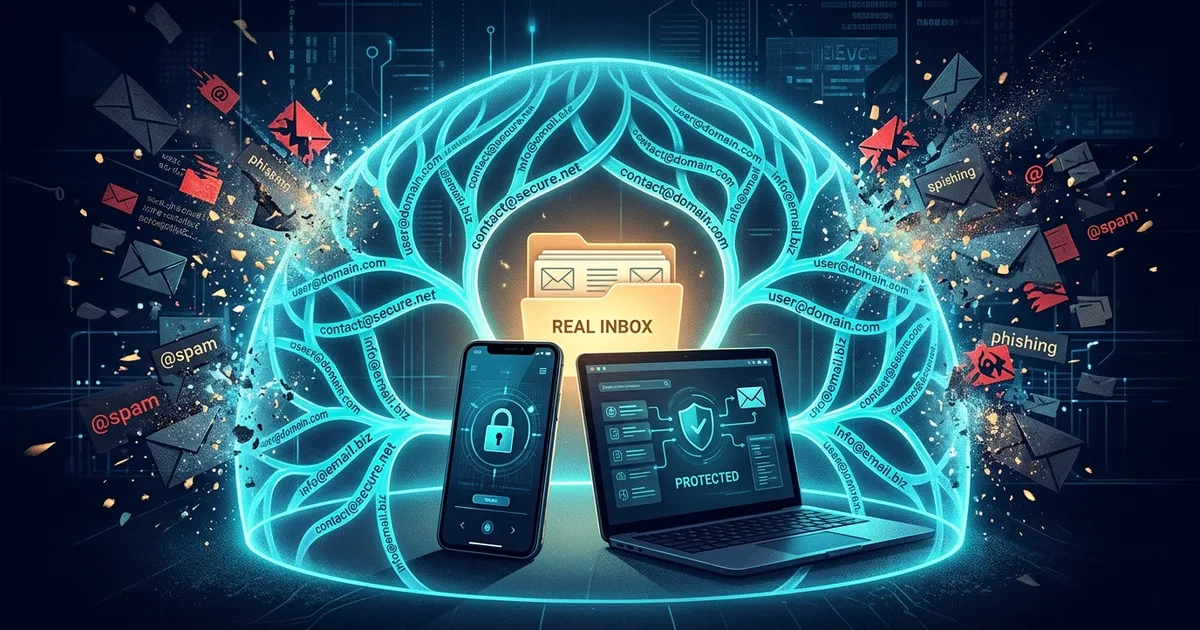
TL;DR (Direct Answer): An email alias is a disposable or separate address that forwards messages to your real inbox. It helps reduce spam, limit tracking, and reveal which company may have shared your data. Use a different alias for each website, then disable the one that becomes noisy. This creates a practical privacy shield without forcing you to change your main email address.
Why Email Aliases Matter
Giving your real email address to every store, newsletter, and app is like handing out copies of your house key. Most businesses may use it responsibly, but one weak database, careless partner, or aggressive advertiser can create a flood of unwanted mail.
An email alias is a substitute address that forwards messages to your real inbox. The website sees the alias, while you keep your primary address private. This simple separation supports better digital privacy, email security, and spam protection.
Aliases also help with tracking. If one address is used only for a shopping site and later receives unrelated promotions, you have a useful clue. The address may have been shared, sold, or exposed in a data leak.
You do not need to wait for a major breach to set this up. Your email address is already a long-term identifier used across services. Creating aliases now limits future damage and gives you control over which companies can reach you. For more practical ideas about technology and privacy, explore the AI Playground.
How an Email Alias Works
Think of an alias as a receptionist with a forwarding rule. A website sends mail to the alias, and the service passes it to your real inbox without revealing the original address.
Services such as Firefox Relay and SimpleLogin let you create a new alias whenever you sign up for something. You connect the service to your existing mailbox, generate an address, and use it instead of your real one. Incoming messages are forwarded automatically.
Many services also support replies. When you answer a forwarded message, the service can rewrite the sender information so the other person sees the alias rather than your real address. This is useful for online marketplaces, customer support, and newsletters.
The most important feature is the off switch. If a shopping site starts sending daily promotions, disable that specific alias. Your main inbox keeps working, and you do not need to unsubscribe from dozens of lists or replace your entire email account.
Website → Unique alias → Forwarding service → Real inbox
The goal is not to make email invisible. It is to create a manageable layer between your identity and the companies contacting you.
Which Alias Option Should You Choose?
Different tools offer different levels of convenience and privacy. The best choice depends on whether you need occasional aliases, reply support, or a custom domain.
| Option | Best for | Replying | Custom domain | Cost and privacy |
|---|---|---|---|---|
| Firefox Relay | Simple browser-based protection | Usually supported | Limited by plan | Free tier; paid features available |
| SimpleLogin | Many aliases and advanced control | Supported | Available on paid plans | Free tier; strong privacy focus |
| Apple Hide My Email | Apple users who want convenience | Supported | No | Included with some iCloud plans |
| Gmail plus addressing | Quick labels and filtering | Yes, from the same account | No | Free, but weak privacy |
Firefox Relay is easy for people already using Firefox. It works well for sign-up forms and basic forwarding, but advanced alias management may require a paid plan.
SimpleLogin is a stronger option if you want many aliases, custom domains, or detailed control. A custom domain is an internet address you own, such as example.com, rather than one controlled by the alias provider.
Apple Hide My Email is convenient inside Apple’s ecosystem. It is less flexible outside it, but setup is nearly effortless.
Gmail “plus addresses,” such as [email protected], are useful for sorting mail. However, they usually do not hide your real address. The recipient can simply remove the “+shopping” part.
A Practical Shopping Example
Suppose you want to buy headphones from a new online store. Instead of entering your personal address, create something like [email protected].
The exact format depends on the service. What matters is that the address is unique to that store and easy for you to recognize later.
The shopping site sends receipts and delivery updates to the alias. The forwarding service passes them to your normal inbox. If promotional messages begin a month later, you know which alias is responsible.
You can then pause or delete that alias. The store loses its route to you, while your real inbox, banking accounts, and important contacts remain unchanged. This is much cleaner than changing your main email address.
Aliases are especially useful for coupon websites, free trials, event registrations, forums, product warranties, and unfamiliar online stores. For deeper technical learning, you can also browse Interactive Engineering Simulations.
Avoid using one universal alias everywhere. That makes it easier for companies and trackers to connect your activity. One service, one alias is the strongest pattern when privacy matters.
Common Mistakes and a Real-World Lesson
An alias is not a password. It hides or separates your email address, but it does not protect an account with a weak password or missing multi-factor authentication. Multi-factor authentication, or MFA, requires an extra proof of identity, such as an app code, beyond your password.
Another common mistake is trusting forwarding services blindly. The provider may technically process your messages, so read its privacy policy and consider its reputation, jurisdiction, and history. For sensitive mail, choose a service with clear policies and strong security practices.
Do not assume that an alias hides everything. Your name, shipping address, payment details, browser fingerprint, or purchase history can still identify you. An alias reduces exposure; it does not make you anonymous.
Consider a common real-world scenario. A user created a unique alias for a campaign registration. Within days, unrelated betting and shopping messages began arriving at that address. Because the alias was used nowhere else, the user could identify the likely source or a connected marketing partner.
They disabled that single alias. The spam stopped, while the user’s genuine inbox and primary email address continued working normally. That is the central benefit: aliases turn a vague privacy problem into a specific, controllable connection.
Frequently Asked Questions (FAQ)
Can I reply to an email sent to an alias?
Usually, yes. Firefox Relay, SimpleLogin, and Apple Hide My Email can often forward a message while preserving the alias in your reply. The recipient sees the alias rather than your main address. However, support varies by provider and plan, so test the feature before using it for an important conversation. Some services may limit attachments, reply frequency, or the number of messages you can send.
Is a free alias plan enough?
A free plan is often enough for occasional shopping, newsletters, trials, and unfamiliar websites. It may provide a limited number of aliases or basic forwarding. Paid plans become useful when you need many addresses, custom domains, detailed controls, or long-term reliability. Start free, then upgrade only when a real limitation affects your routine. The privacy benefit comes mainly from using separate aliases consistently.
What happens if the alias service shuts down?
If an alias provider closes, aliases connected to it may stop receiving mail. You could miss password resets, receipts, or account notifications. Reduce this risk by using aliases mainly for low-importance services, keeping a record of where each one is used, and updating critical accounts with a stable address. For important services, consider a provider with a strong track record or a custom domain you can move elsewhere.
Should I use aliases for banks and official institutions?
Use caution. Banks, tax offices, healthcare providers, and government services may send identity-sensitive messages or require reliable account recovery. An alias can work if the provider supports it and you trust the forwarding service, but a stable, well-protected address is often safer for critical accounts. Enable MFA, use a unique password, and check the institution’s rules before replacing your primary address.
Is my real email address completely hidden?
No. An alias usually hides your address from the website and other recipients, but the forwarding provider may know both addresses. Other information can also identify you, including your name, payment card, delivery address, IP address, or browser behavior. Treat an alias as a privacy shield, not an invisibility cloak. It limits data exposure and makes spam easier to trace and stop.