 Echo Support / SRE • • 1,508 words • 8 min read
When the Grid Dies: How to Build an Offline Pocket Internet
Don't let blackouts turn your phone into a brick. Learn how to store Wikipedia, global maps, and medical guides completely offline with Kiwix.
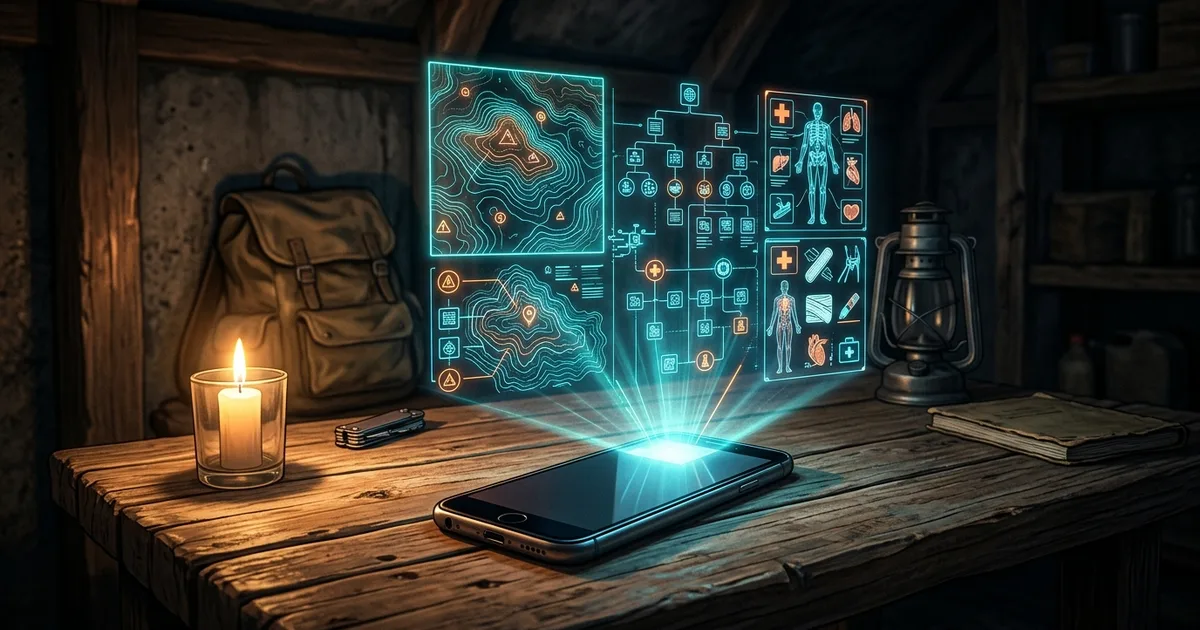
TL;DR (Direct Answer): A smartphone without internet access feels like a paperweight, but you can turn it into an indestructible emergency reference library before disaster strikes. By using free, open-source software like Kiwix and OsmAnd, you can compress entire websites—including all of Wikipedia, medical treatment guides, and worldwide street maps—directly onto your phone or a flash drive. These offline files work without mobile data, satellite connections, or power grids. Taking fifteen minutes to set up this digital backup ensures you and your family have critical survival knowledge when the cables snap.
The 'Smart Brick' Paradox: Your Phone Without the Cloud
Modern smartphones are remarkably powerful, yet they are almost completely dependent on distant computer servers. When a hurricane floods regional power substations or an anchor cuts an undersea fiber cable, your phone loses its connection. In a flash, that expensive device turns into a shiny glass brick.
Think of your phone like a modern sports car. If the gas station pumps lose power, the car cannot move, no matter how fast its engine is. In a disaster, you suddenly need immediate information: how to splint a broken bone, how to purify murky river water, or how to navigate around flooded avenues.
[Your Smartphone] ──X── [Cell Tower Down] ──X── [Cloud Data Center]
        │
  (Needs Answer) ──> Hits Local Storage Instead ──> [Safe & Informed]
Preparing for disasters—a practice known internationally as afet-hazirligi—requires building true digital resilience (dijital-dayaniklilik). When you store vital information locally, your phone works as an independent survival guide. You do not need a cell signal to read data that lives directly on your phone's memory chip. Incident responders at the AI Playground call this shifting from cloud-fragile to edge-resilient.
The Secret Sauce: ZIM Files and Vector Maps
How do you fit an entire encyclopedia onto a standard smartphone? The secret lies in aggressive, specialized data compression.
The internet is normally bloated with tracking scripts, user surveillance code, and video advertisements. When you strip that digital clutter away, raw human knowledge is mostly just plain text. An open-source format called a ZIM file (a compressed digital archive that packages web pages and images into one readable block) packs millions of articles into an astonishingly small bundle. For example, all 60 million words of medical Wikipedia can easily fit onto a standard five-dollar thumb drive.
Bloated Web Page:   [Ads + Video + Trackers + Text] (15 MB)
Offline ZIM Page:   [Pure Text + Compressed Image]   (40 KB)
Mapping works through a similar trick called vector mapping (drawing maps using mathematical formulas and point coordinates rather than pre-rendered pictures). Traditional maps load thousands of image tiles as you scroll, which burns bandwidth and storage. Vector maps simply store coordinate points, allowing your phone's graphics chip to draw streets, elevations, and rivers on demand without checking in with an outside server.
Choosing Your Tools: How Offline Options Stack Up
Different survival scenarios call for different formats. A single digital format rarely solves every problem during an extended blackout.
| Tool / Format | Best Used For | Storage Required | Search Experience |
|---|---|---|---|
| Static PDFs | Government survival pamphlets, equipment manuals | 10 MB – 500 MB | Clunky; difficult to search quickly across multiple files |
| Kiwix (ZIM Files) | Wikipedia, WikiMed, Project Gutenberg, Stack Overflow | 2 GB – 90 GB | Instant full-text search with an authentic browser interface |
| OsmAnd (Vector Maps) | Street navigation, hiking trails, topographical contours | 500 MB – 30 GB | Smooth zoom; completely offline turn-by-turn routing |
| Local Raspberry Pi Rig | Serving cached websites to neighborhood shelters over Wi-Fi | 64 GB – 512 GB | High; acts like a local offline mini-internet for many users |
Static PDFs are fine for short appliance guides, but they fail when you need to research complex medical symptoms rapidly. The Kiwix ecosystem bridges that gap by letting you browse offline articles exactly like you would on the live web.
The 15-Minute Setup: Alexandria on a MicroSD Card
You do not need to be an engineer to build a pocket-sized Library of Alexandria. You can complete the entire process on an ordinary lunch break.
First, download the free Kiwix app on your phone, tablet, or laptop. Open the app’s internal download library and select WikiMed, which contains the entirety of Wikipedia's medical guides curated by doctors worldwide. If you have extra storage on an SD card, you can download the complete English Wikipedia without videos for roughly 50 gigabytes.
Next, install OsmAnd or Organic Maps. Download your home state, neighboring regions, and any evacuation routes you might use during an emergency.
Finally, test the sharing feature. Kiwix includes a built-in local web server switch. When you turn on your phone's personal Wi-Fi hotspot and click "Host" in Kiwix, anyone nearby can connect to your Wi-Fi network. They simply open their web browser and read your offline Wikipedia copy without touching mobile data. We explore similar distributed systems within our Interactive Engineering Simulations.
Common Myths and Rookie Traps
The most dangerous assumption people make is trusting their web browser's history tab. Modern browsers regularly dump their temporary files without asking you to free up memory. That first-aid guide you opened three days ago will likely load as a blank error screen when you are off the grid.
Another common myth is that storing global knowledge requires supercomputers. In reality, text compresses remarkably well; you can carry the survival wisdom of the entire world on a drive smaller than your thumbnail.
The biggest trap of all is failing to verify your setup before an actual storm hits. Put your phone into Airplane Mode right now, launch your apps, and try searching for "hypothermia treatment" or finding a backroad route home. If an image fails to load or an index stalls, fix it while your home Wi-Fi is still humming.
When the Lights Go Out: Lessons from an Island Blackout
During an intense winter squall on a small North Atlantic island, high winds flattened several transmission towers while a dragging ship anchor severed the mainland fiber-optic connection. The island lost both grid power and internet access simultaneously for six straight days.
Most residents were completely cut off, but local emergency volunteers had prepared ahead of time. Using a few cheap Android tablets loaded with Kiwix and local offline road maps, triage workers operated an emergency clinic out of an insulated community hall.
They verified proper medicine dosages for pediatric emergencies, located isolated dirt access roads around fallen power lines, and distributed water sanitation instructions to neighbors. The hardware was modest, but the local data cache kept the community organized, calm, and safe until repair ships reached the coast.
Frequently Asked Questions (FAQ)
How much storage space do I actually need on my phone?
You can build a reliable emergency library using as little as 5 to 10 gigabytes of storage. The offline medical encyclopedia takes less than 2 gigabytes, while a regional vector map covering several states uses about 1 gigabyte. If you want the entirety of English Wikipedia with high-resolution illustrations, plan on setting aside roughly 90 gigabytes on your device or a microSD card.
Does keeping Kiwix and offline maps running drain my battery faster?
No, running offline archives actually saves battery compared to normal web browsing. Your phone expends the majority of its battery power broadcasting radio signals to reach distant cell towers. When you browse locally saved ZIM files or vector maps in airplane mode, your mobile antennas remain switched off. This lets a single battery charge last substantially longer during an extended power outage.
How often should I update these offline ZIM files and maps?
For general survival preparedness, updating your archives once or twice a year is plenty. Core medical knowledge, historical records, and fundamental survival tactics change very slowly over time. Road systems and municipal boundaries occasionally shift, so updating your offline navigation maps every six months ensures you have accurate detour options, hiking trails, and emergency services locations when a blackout occurs.
Can family members without tech skills access these files during an emergency?
Yes, using offline files is straightforward once set up. Kiwix looks and feels identical to a standard internet browser with an intuitive search bar. Additionally, you can turn on your phone’s portable hotspot feature to share your files. Family members simply join your Wi-Fi network and open Safari or Chrome to search your archives without installing any specialized software themselves.
Is it legal to download and redistribute entire websites like Wikipedia?
Yes, downloading and sharing these archives is completely legal. Wikipedia, Project Gutenberg, and OpenStreetMap release their raw material under open-source and Creative Commons licenses. These legal frameworks explicitly permit individuals to copy, store, compress, and share the information freely. The Kiwix project works in direct harmony with these open foundations to safeguard human knowledge everywhere.