 Echo Support / SRE • • 1,284 words • 7 min read
How Push Notifications Work: The Sleeping Phone Mystery
Discover how push notifications wake your sleeping phone without draining battery, exploring the socket magic of APNs, FCM, and push storms.
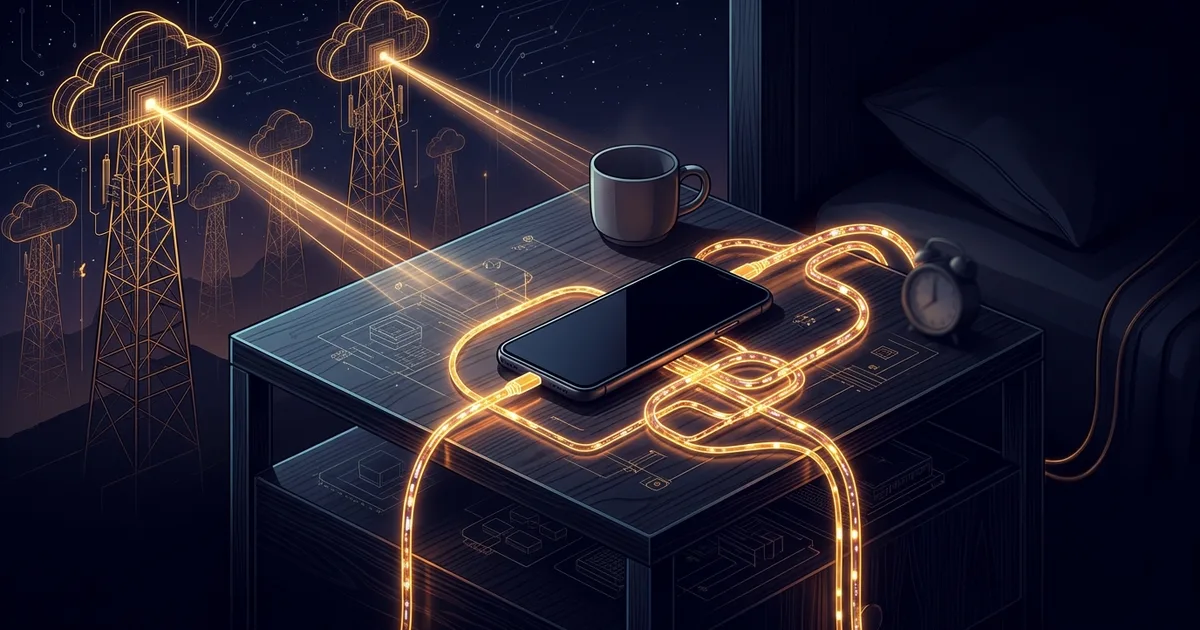
TL;DR (Direct Answer): Your phone does not keep 80 different apps running in the background to check for new messages. Instead, your operating system maintains one single, quiet connection to Apple or Google servers. When an app needs to notify you, its server sends a tiny payload to that central service, which wakes your screen. This shared gateway delivers instant notifications without draining your battery in two hours.
The Doorman Analogy: Why 80 Connections Would Melt Your Phone
Imagine an apartment building with 80 residents. If every resident hired an individual courier who constantly knocked on their specific door to ask if they had mail, the hallway would be pandemonium. Nobody would ever sleep.
Instead, buildings hire a single doorman at the front desk. Couriers drop packages with the doorman, and the doorman buzzes your specific apartment only when something arrives.
Your smartphone works the same way. If every app kept an active internet connection open to its own servers, your phone’s cellular antenna would never sleep. Your battery would heat up and drain completely before lunchtime. The phone operating system solves this by acting as the sole doorman.
Under the Hood: The Single Pipe and Push Tokens
When you set up a phone, the operating system opens a single, persistent network connection—a socket—to a central notification gateway. Apple devices connect to the Apple Push Notification service (APNs) over port 5223. Android devices connect to Firebase Cloud Messaging (FCM) over port 5228.
Every app gets a unique address called a push token, which is a temporary cryptographic identifier assigned to your specific installation. The app sends this token back to its own backend servers.
[App Server] ---> (Sends payload + token) ---> [APNs / FCM Gateway]
                                                      |
                                           (Single persistent socket)
                                                      |
                                                      v
                                               [Phone OS Modem]
                                                      |
                                             (Wakes target app)
The gateway receives notifications from thousands of companies, groups them by target device, and routes them down that single shared pipe. Your phone receives the packet, inspects the token, and displays the banner.
Comparing Notification Strategies: Why Multiplexing Wins
Engineers have tried three main ways to get messages onto mobile screens. To see these dynamics visualized in live server models, explore the AI Playground.
| Strategy | How It Works | Battery Impact | Latency |
|---|---|---|---|
| Periodic Polling | App wakes up every 60 seconds to ask, "Any new data?" | Severe drain; radio never enters deep sleep. | Slow (up to 60-second delay). |
| Direct WebSockets | Every individual app keeps an open socket to its own server. | Catastrophic; multiplied across dozens of installed apps. | Instantaneous. |
| OS Multiplexing | The phone OS keeps one lightweight socket for all apps. | Near zero; radio sleeps between rare packet arrivals. | Instantaneous. |
Multiplexing combines multiple signals into a single shared channel. By bundling everything into one connection, the mobile operating system handles thousands of alerts while barely moving the battery meter.
Radio States: How Cellular Modems Sleep
The secret to all-day battery life is not software magic; it is hardware management. A smartphone's cellular chip operates under Radio Resource Control (RRC), a protocol that switches the antenna between distinct power states.
- Active (High Power): Full speed, sending and receiving data, consuming maximum battery.
- Short Idle (Tail State): The radio waits for a few seconds after a transmission in case more data arrives.
- Deep Sleep (Low Power): The transmitter turns off, sipping negligible current while listening only for scheduled network pings.
A push notification packet is tiny—often under 4 kilobytes of plain text. The central gateway sends this tiny payload, the phone's modem briefly switches from Deep Sleep to Active, handles the packet, and immediately drops back down to save power.
Busted Myths and Accidental Storms
A widespread mobile myth claims that swiping apps closed in your app switcher saves battery life. In reality, it does the exact opposite.
Apps sitting in your app switcher are already frozen in RAM (system memory). They are not running active loops or listening to the internet; the operating system doorman is listening for them. When you force-close an app, the OS must purge it from memory, forcing a full, power-hungry reload from flash storage the next time a notification arrives.
For backend developers, the danger is sending alerts carelessly. If you publish a push notification to five million users at once without rate limiting, you create an accidental distributed denial-of-service attack against yourself. You can experiment with traffic surges in our Interactive Engineering Simulations.
Real-World Chaos: The Breaking News Thundering Herd
In 2018, a major international news organization published a breaking news alert to 12 million mobile users simultaneously. The push payload contained one simple message: a major political figure had resigned, with a link to their breaking article.
Within three seconds, 1.8 million readers tapped the notification. That tap launched the app, which immediately sent requests to the organization's content API to load the full story, user comments, and tracking metrics.
12M Alerts Sent ---> 1.8M Taps at 00:03 ---> 5.4M API Hits ---> Database Outage
The database crashed under the thundering herd problem—a sudden surge where millions of clients demand the exact same resource at the exact same instant. The company's backend went dark for 45 minutes. Reliability teams now use "jitter," intentionally spreading push deliveries across several minutes to smooth out traffic spikes.
Frequently Asked Questions (FAQ)
Why do push notifications sometimes arrive delayed in Low Power Mode?
When your phone enters Low Power Mode, the operating system aggressively conserves energy by lengthening the interval between network checks. It may also suppress background app refresh entirely. High-priority alerts like phone calls or direct messages still cut through immediately, but lower-priority marketing messages and social media updates are batched together until your screen wakes up or you plug into a charger.
Are push notification payloads end-to-end encrypted?
Standard push notifications are not end-to-end encrypted because Apple and Google servers must read the routing metadata to deliver them. However, privacy-focused apps like Signal and WhatsApp solve this by sending an encrypted, scrambled payload. The push service delivers the locked package to your device, and your local app uses a private device key to decrypt and display the text locally on your screen.
What exactly is a silent push notification?
A silent push notification wakes an app in the background without displaying a banner, playing a sound, or lighting up the screen. App developers use silent pushes to quietly deliver updated content, such as refreshing a podcast feed or syncing unread emails. If an app abuses silent notifications by sending too many, the mobile operating system will temporarily revoke its background execution privileges.
What happens to push notifications when my phone is offline or in airplane mode?
When your device is disconnected from the internet, notification gateways like APNs and FCM store pending messages in an offline queue. Because storage is limited, these gateways typically retain only the most recent notification per app. Once your device reconnects to Wi-Fi or cellular networks, the gateway flushes the stored queue and delivers the latest messages down the single persistent connection.
How do Apple APNs and Google FCM differ under the hood?
Apple controls both the iOS operating system and its hardware, running a tightly closed push network that strictly regulates how long apps can process notifications. Google FCM operates within Android's open ecosystem, relying on Google Play Services to maintain the primary connection. While APNs requires strict formatting certificates, FCM provides developers with more flexibility for custom data payloads, though both rely on persistent socket multiplexing.